
How do I write or fix a song?
The editor shows the same song in three ways: pick the one that suits you. Chords stay on their syllable, whatever you type.
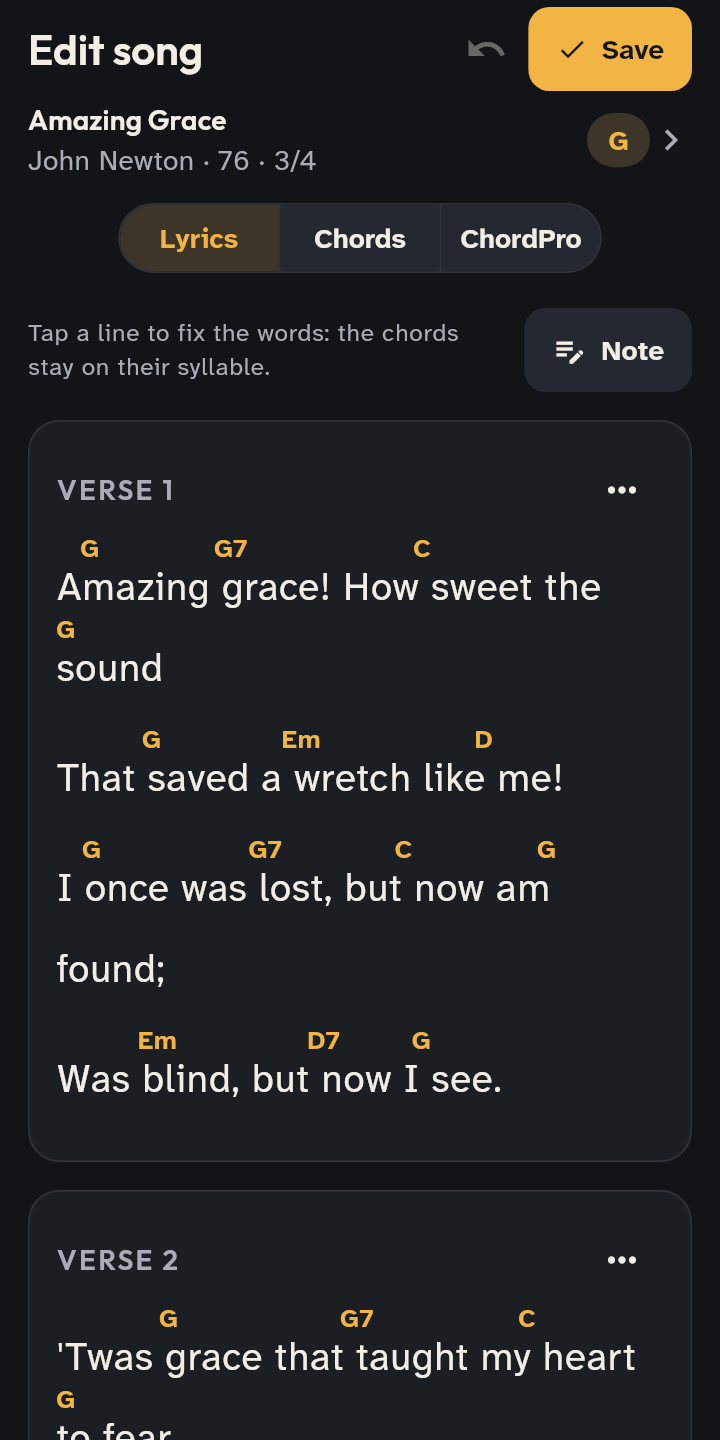
- 1 The editor in Lyrics mode.
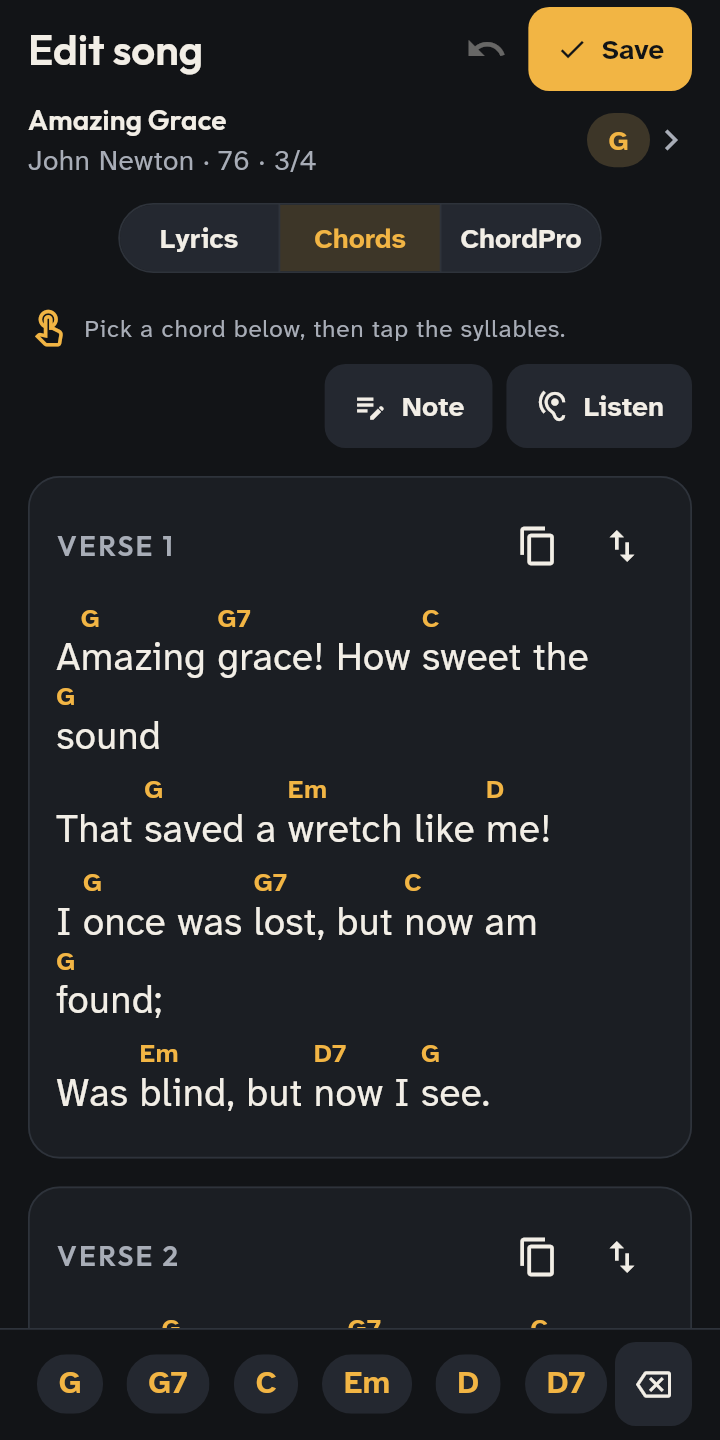
- 2 Chords: tap the syllable the chord goes on.
- A new song: in the Library tap Add → Write a song. A song you already have: open it, tap Chord options below the song and choose Fix the lyrics or Fix the chords.
- Pick the mode at the top: Lyrics to write the words, Chords to place them by tapping syllables, ChordPro for text with the chords in square brackets. The app remembers the one you used last.
- In Lyrics you write the lines, and Add section adds verses and choruses; each section’s menu renames, moves or deletes it. If you correct a word, the chords stay on their syllables.
- In Chords pick a chord and tap the syllable it goes on; the Eraser takes it away. To move one, press and hold it and drag, or tap it, choose Move and tap the new syllable, even on another line.
- Wrong? Undo the last change (at the top) takes changes back one by one. The song is saved with the Save button.
Notes on the song
- On the song tap Annotate (in the bottom bar), then a line, a section’s title or the song’s title: write a note, yours or the team’s (team notes are written by whoever prepares setlists). Notes are read under the lines, in the editor too.
- In the editor the Note switch does the same; in ChordPro the Note button writes a line that starts with
#. - When you import or save, lines that start with
#and chords the app does not recognize are not lost: they become notes on the song.