
Backup and changing phone
Your songs live on the device. To keep them safe and move them to a new phone there are two ways.
With an account
If you have an account (see team and account), sign in with the same email on the new phone: the library arrives by itself.
With a backup
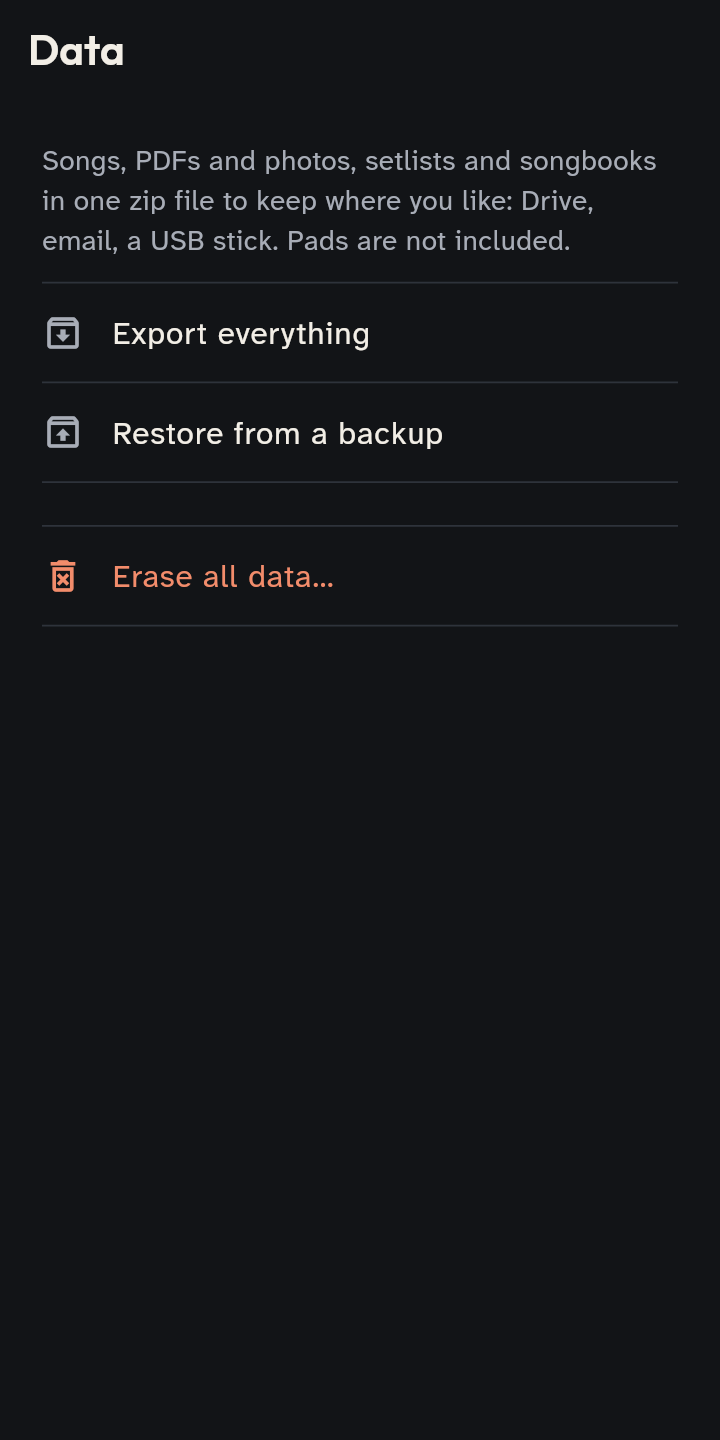
- On the old phone: Settings → Data → Export everything. Keep the zip wherever you like: Drive, email, a USB stick.
- On the new one: install the app, then Settings → Data → Restore from a backup and choose the zip.
Good to know
- The backup holds songs, PDFs and photos, setlists and songbooks. It does not hold the pads or the device’s settings (name, roles, theme): set them again.
- Restoring deletes nothing: it adds what is missing and, when an item is on both sides, keeps the newer version.
- A backup made with a newer version of the app can be restored after updating it.
- Make a backup now and then, even if you are not changing phone.